


11-30-2023, 12:29 PM
Alıntı:
On 15.11.2023 at 12:39, T800 said:
Aşırı bir fark göremedim ben, bendeki durum şu şekilde:
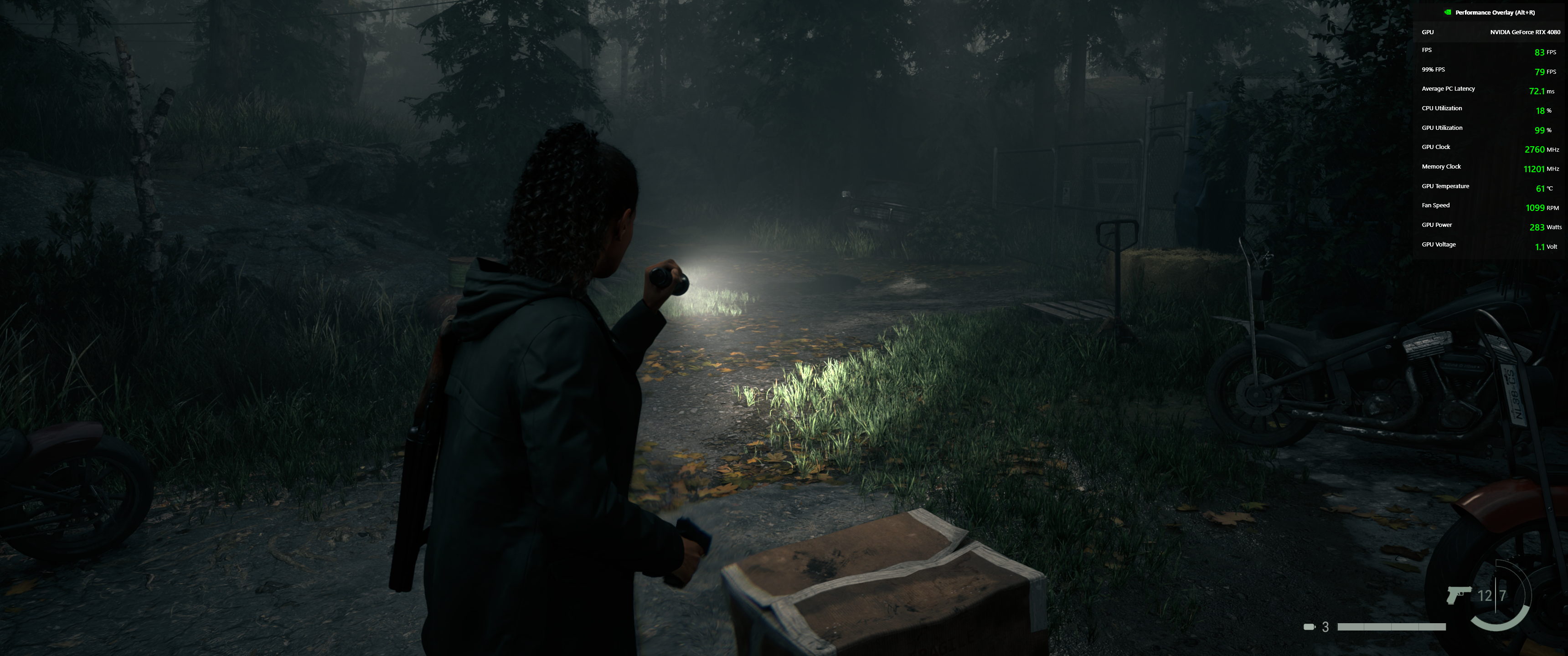
283 watt biraz yuksek degil mi?..
Techpowerup bir config hazirlamis, denenebilir;
Kod:
Alan Wake 2's config files are located at %LOCALAPPDATA%\Remedy\AlanWake2, the config file is named renderer.ini.

There's several useful settings that are not configurable in the game's settings:

m_bVignette: set this to "false" to disable vignetting
m_bDepthOfField: set this to "false" to disable depth of field
m_bLensDistortion: set this to "false" to disable lens distortion
Once you've disabled those three, and set film grain (m_bFilmGrain) and motion blur (m_eMotionBlur) to disabled in the settings, the game will look MUCH sharper. This will help upscalers do their job and result in a much more stable image, without jitter.
m_eSSAAMethod: This lets you select the upscaler. Officially you can only choose between DLSS and FSR. By modifying the ini you can select other options too: 0=Native, 1=FXAA?, 2=DLSS, 3=FSR

There is no in-game sharpening slider for DLSS and FSR. Here you can set m_fSSAASharpening to enable and control the amount of sharpening applied after upscaling

Last but not least, we have m_fFieldOfViewMultiplier, which defaults to "1.0." Increase it to make the field of view wider. Another setting that's not exposed in the game menu.
Here's the default config file for reference that I got when I started the game for the first time on my system.

Please note that testing was conducted with different settings, i.e. native rendering (DLAA) except for the DLSS Scaling page.
[ https://www.techpowerup.com/review/alan-...ark/4.html ] ...